
Last Updated
Myfreecams has had several attempts at creating a mobile-phone App experience, and they all work with varying degrees of success. The latest is MFC.APP which is still not an app in the sense of an iOS App Store or Google Playstore APK app, but it gets the same job done.
Does Myfreecams Mobile need an app?
First of all, consider if you need an App at all. The Myfreecams.com site works perfectly well on mobile phones. The design shrinks down to phone size and is as easy, or as hard, to use as the desktop version. There are too many options and it looks a bit crude compared with the refined design on some other cam sites but it is fully usable.
There was a time that the mobile site was considered “beta”, but now it is mainstream and ready for anybody to use. If you just browse to the website using your phone you will end up on the “m.” instead of the “www.” and there is the mobile version.
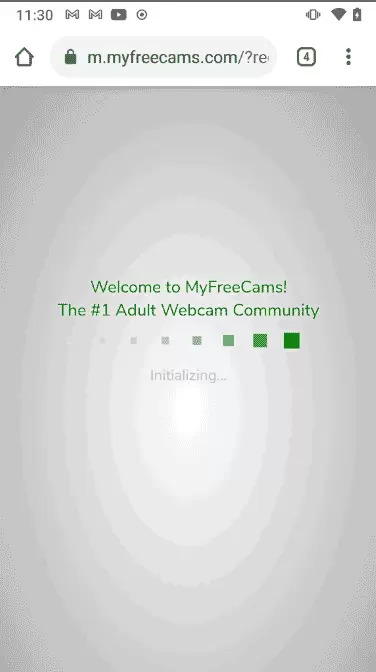
Really the only thing missing was an icon on your phone home screen, and that is easily installed by simply browsing to the website and adding a Bookmark or Favorite as an icon.
It isn’t hard to navigate and even has floating windows of the model you are watching so that you can continue to watch her while you explore the other parts of the site.
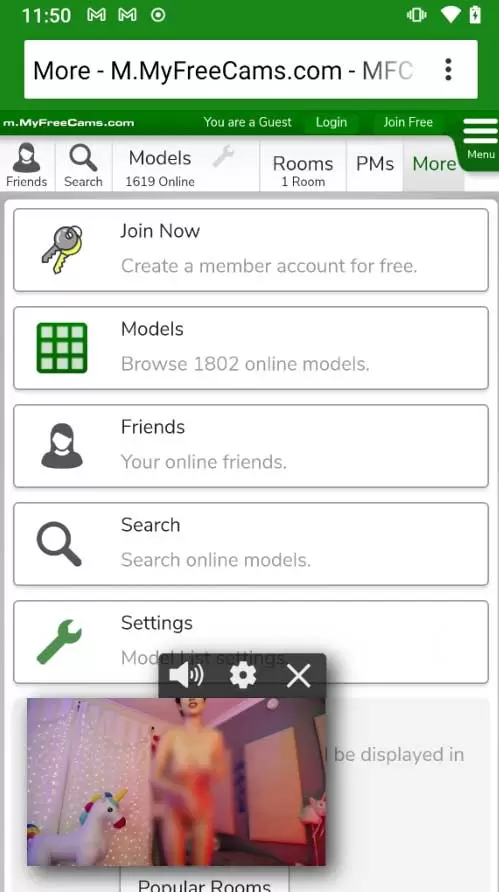
MFC.APP: The new Myfreecams Mobile experience
If you’d like something a little more modern looking, and with controls that are easier to use on a phone, then try checking out the mobile menu and scrolling down to the bottom of the menu for the option to “Open MFC.APP”.
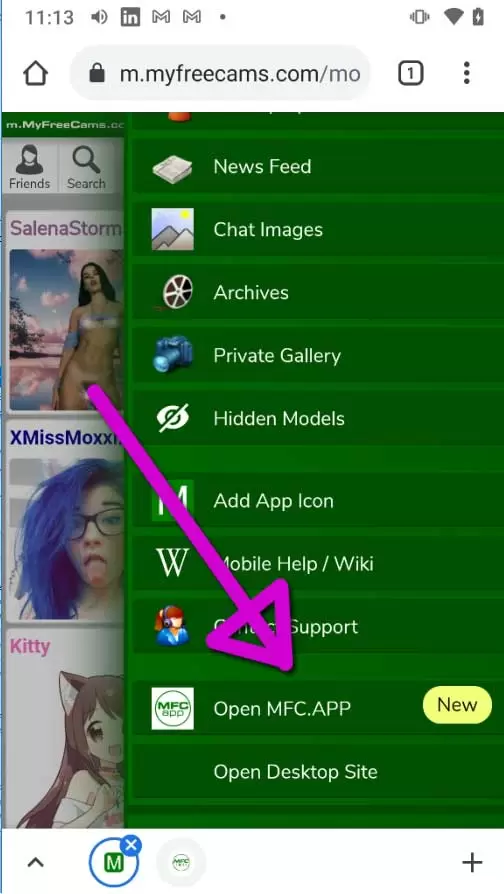
This takes you to “app.” website, which while still a website has been built up like a real app. That means you have proper controls that fit your screen and allow you to navigate it as though you were using an app on your phone. The only thing missing is the icon on your phone home screen and that is also easy to add, it even prompts you to do so in the settings.

Add MFC to your Mobile Homescreen
When you click “Add MFC To Your Homescreen” you’ll be able to get a prompt from your phone that will allow you to “Install” the app, only it is still a website but really it doesn’t make any difference.
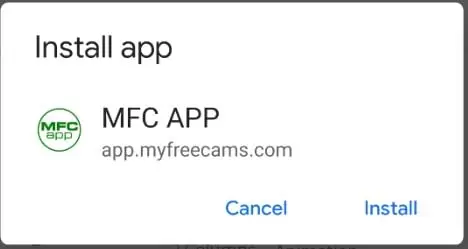
Tapping the “Install” option gets you the home screen button you’ve been waiting for.
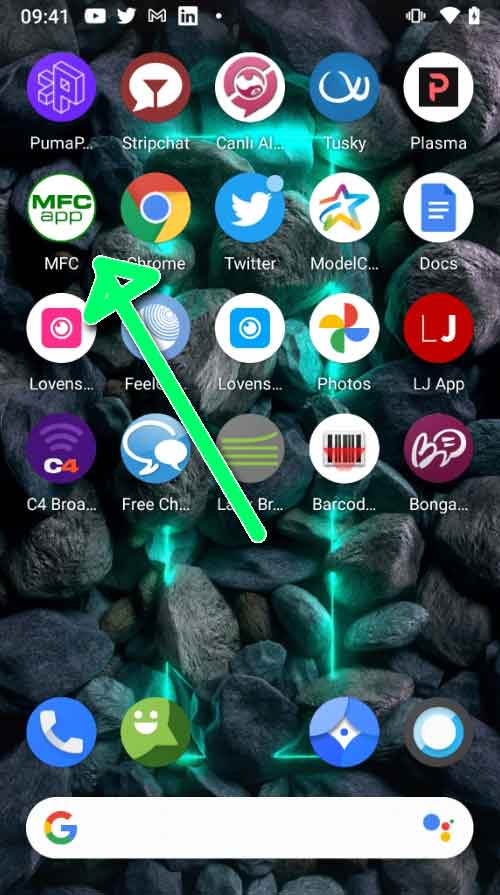
Browsing through the available models works fine, with a big juicy thumbnail grid of all the cam girls who are live at that moment. You can just swipe to scroll forever to find more cam girls that you like. The girls at MFC, at least those at the top of the pages, are more likely to be interesting girls streaming out of their homes rather than professional studio models.
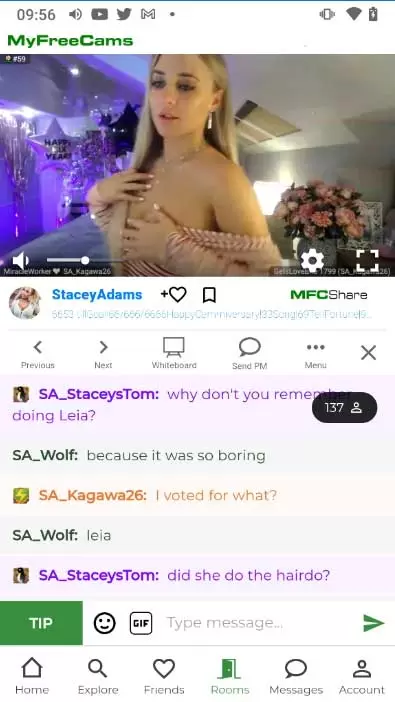
You can watch as long as you like using a basic free account, but most models mute you if you are not premium so you won’t be able to text chat with the most popular models. The video is a bit small and unlike many sites you can’t just turn your phone in order to watch it full screen. Rotating to landscape or sideways view just gets you video and text side-by-side; a layout that seems to be unique to MFC and isn’t that useful.
Myfreecams Mobile to Chromecast
There is a full-screen option that works, and a button to send the video with your Chromecast enabled TV but doesn’t have any text showing so you are only watching the stream.
Like a lot of things at MFC it works but isn’t great technically. You are compensated for any technical limitations by the fact that there is a good range of really hot cam girls streaming here.
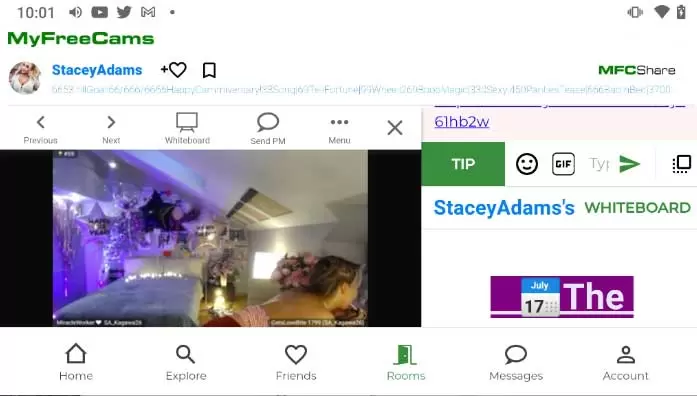
MFC is good about keeping up with the latest trends and trying out different things so you’ll find stuff like “Whiteboard” and “MFCShare”, their attempt at a cam girl social media experience.
How to cite this post
APA:
Hony Tsoi (2021). MyFreeCams Mobile. Adult Webcam FAQ. Retrieved from https://www.adult-webcam-faq.com/myfreecams-mobile/
MLA:
Hony Tsoi. "MyFreeCams Mobile." Adult Webcam FAQ, 2021, https://www.adult-webcam-faq.com/myfreecams-mobile/.
Chicago:
Hony Tsoi. "MyFreeCams Mobile." Adult Webcam FAQ. Last modified 2021-05-25. https://www.adult-webcam-faq.com/myfreecams-mobile/.
BibTeX (@misc):
@misc{Tsoi_2021,
  title={MyFreeCams Mobile},
  url={https://www.adult-webcam-faq.com/myfreecams-mobile/},
  publisher={Adult Webcam FAQ},
  author={Hony Tsoi},
  year={2021},
  month={May.}
}





They absolutely can see you. Why are you lying about it?
Yea... it is happening and I've been asked or told things by hosts/models that were in rooms with no devices…
It will never be the same! I loved plexstorm!
oh man ... i looooove Plexstorm back in the days! Sadly it was only a betatest site from switzerland i…
And like what if pigs could fly.